Plain Audio · iPhone + Apple Watch
Plain Audio plays what you have and reads what you want to hear.
A free audio player for podcasts, your own files and your documents, on iPhone and Apple Watch, shown as Plain on your device. No account. Plain adds no advertising or analytics, and we designed it not to collect your data. Coming to the App Store; in testing now.
Listen
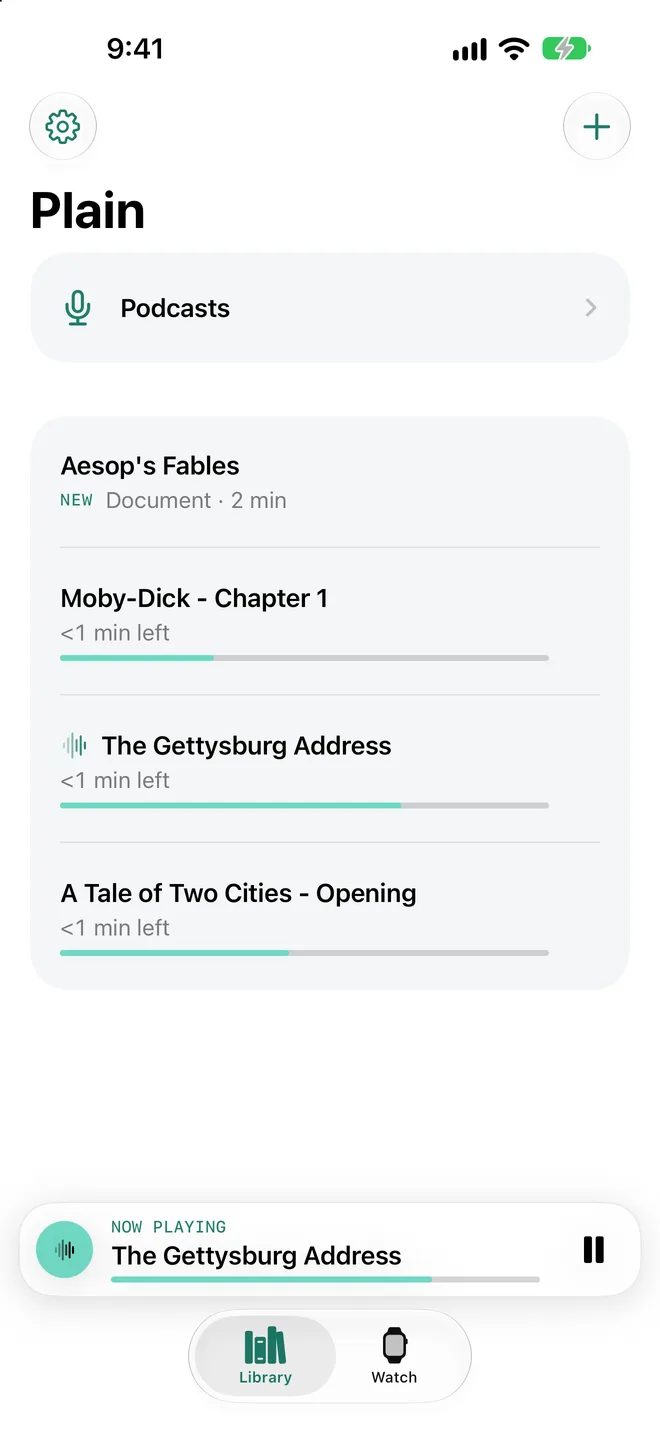
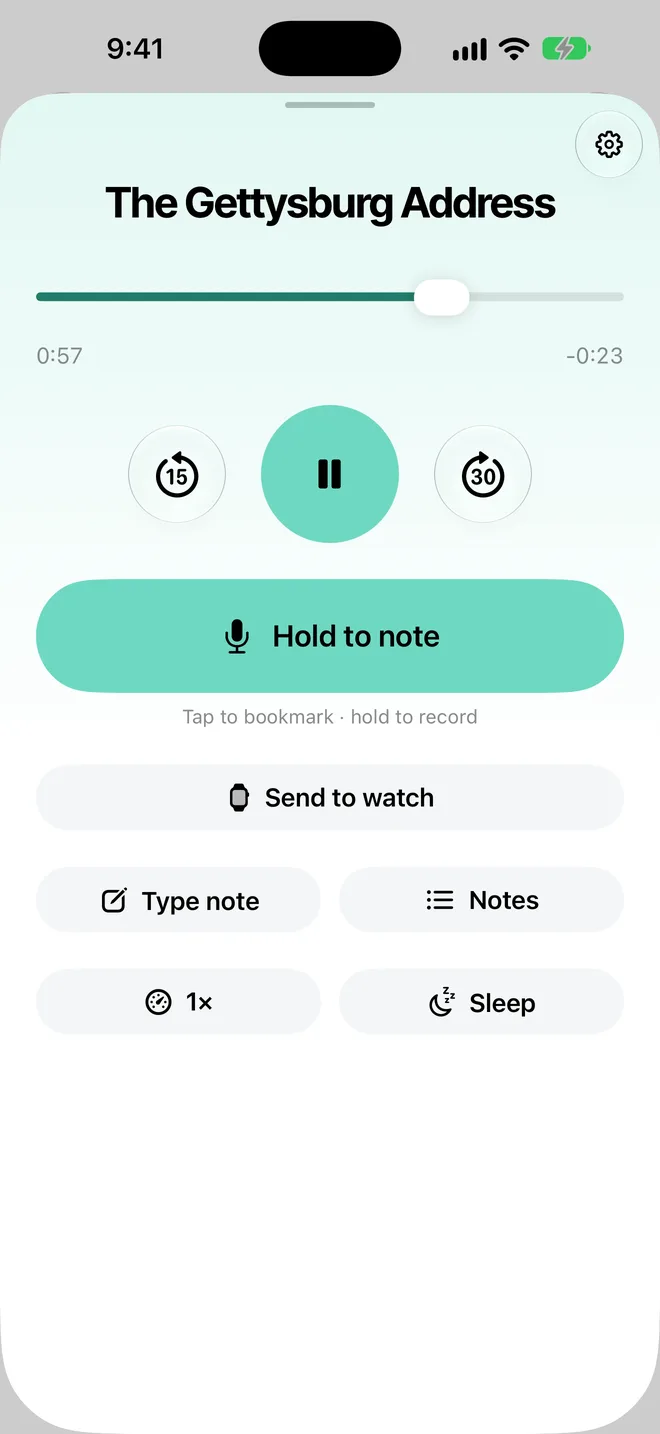
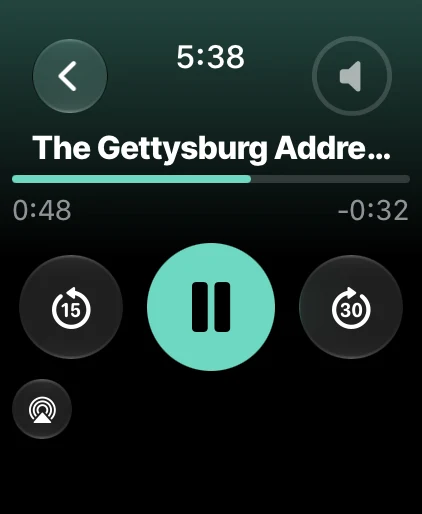
Search Apple's public podcast directory, paste a podcast's feed address or import an OPML file, then stream or download episodes. Add your own audio from Files, Share or Open in. Plain remembers where you stopped, and gives you speed control, 15 and 30 second skips, a sleep timer, and lock screen and AirPods controls.
Read aloud
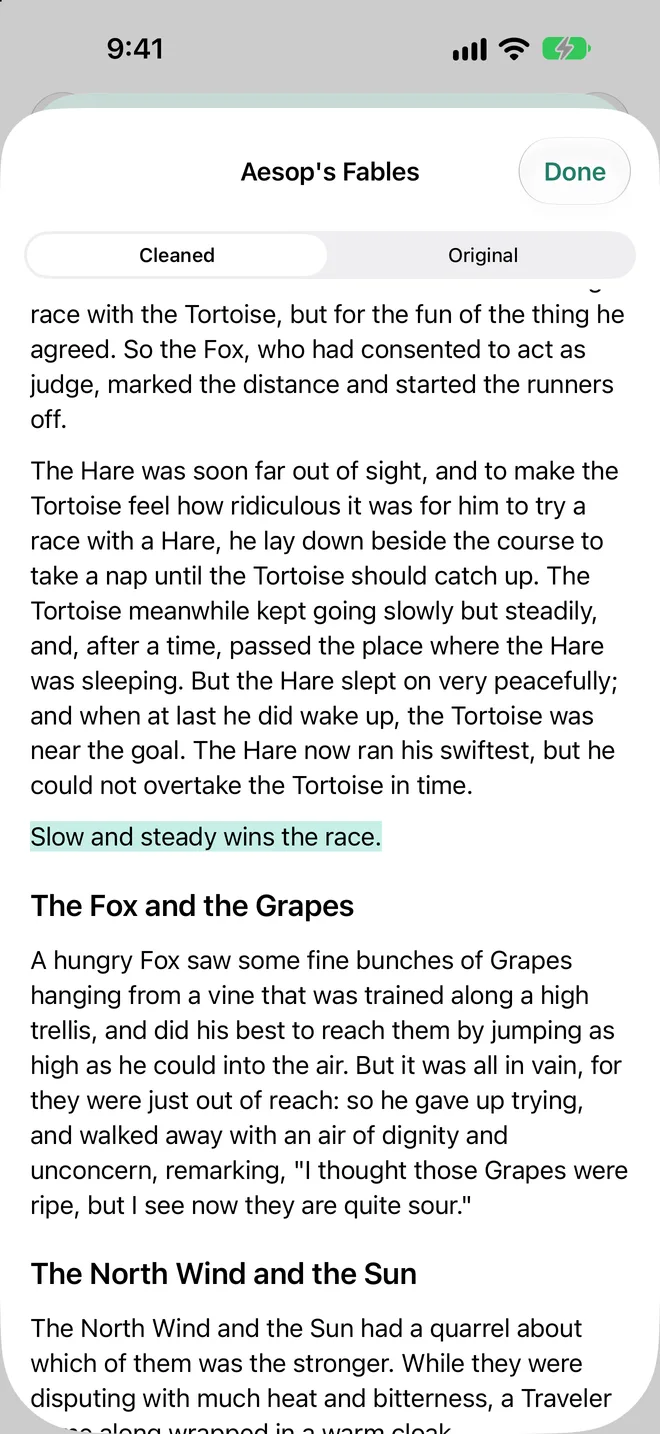
Drop in Markdown, text, RTF or a text-based PDF, or paste text, and Plain turns it into audio on your iPhone using the voices installed there. Headings become sections you can jump between, and Read along highlights the sentence being spoken.
Notes
While you listen, hold a button to leave a voice note, or tap it to drop a bookmark at that exact moment. You can also type a note, or start a voice note hands-free with VoiceOver or a shortcut. Voice notes can be turned into text on your device when on-device recognition is available for your language.
Apple Watch
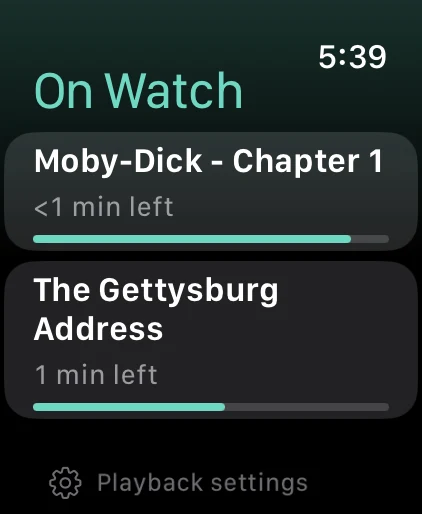
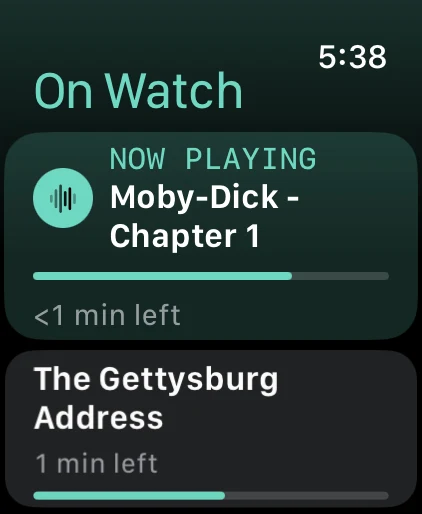
Choose exactly what goes on your watch and see its status: queued, sending, on watch. The watch app plays on its own, so you can leave your phone behind. Sending is not instant: a large file can take a few minutes, and a send can wait until the watch wakes.
Siri and Shortcuts
Say “Resume Plain,” “Pause Plain” or “Add a note in Plain.” The same actions are in Shortcuts, and your files show up in Spotlight search.
Private by design
- Free. We don't run accounts, analytics, ads, tracking or servers for Plain, and it doesn't send us what you listen to or import. Our App Store privacy answers will say Data Not Collected.
- Plain connects directly to Apple's podcast search when you search, and to the feeds you add and the hosts they use for artwork and episodes. Those services have their own privacy practices, which we don't control: like any website they can see your IP address, and episodes may include their publishers' own ads or measurement.
- Your files are kept in Plain on your devices until you delete them. They may also be in your own iCloud or computer backup, depending on your backup settings.
- Podcasts remain the property of their rights holders. Plain does not host or sell any content.
Read the privacy policy, the terms of use, or get support.